Credentials
Overview
Credentials are new in 4.0 and store the account / password pairs or private keys needed to access external systems. They are currently used by the build node of pipelines to access private Git repositories, so passwords no longer have to be written into scripts or repository URLs.
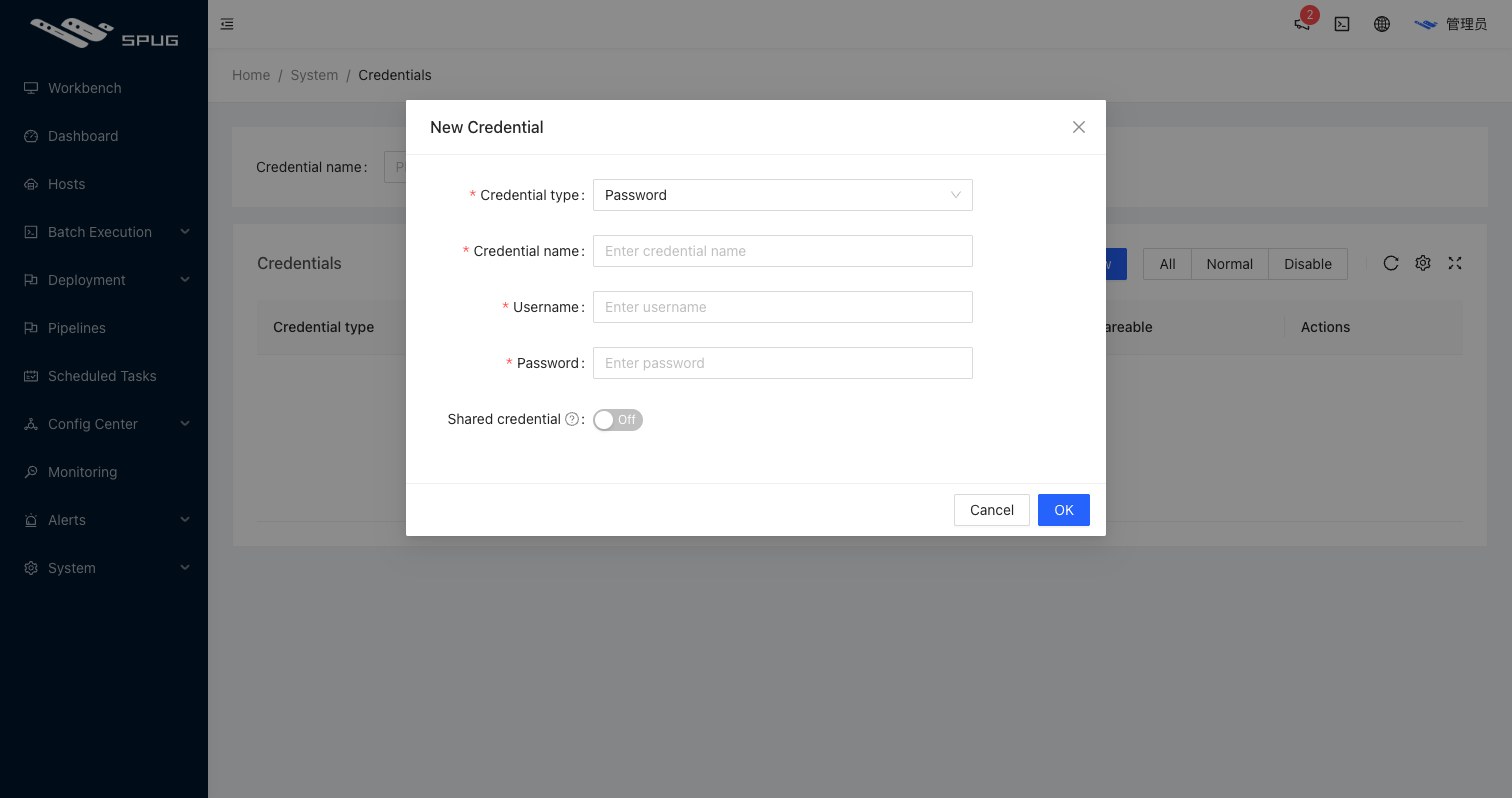
Fields
- Type:
Password: user name + password (or access token) forhttp/httpsrepository URLs;Key: user name + private key (with an optional passphrase) forsshrepository URLs; add the matching public key to the Git hosting platform.
- Name: a recognizable name.
- User name: the repository login;
gitfor most key-based setups. - Password / Private key / Passphrase: depending on the type.
- Shared: by default only the creator can use a credential; when shared, other users can pick it in pipelines without seeing the secret.
Usage
Select the credential in the Credential drop-down of a pipeline build node. After entering the repository URL, Spug checks automatically whether the repository is reachable with that credential.
Permissions
The credential management page sits in the System menu and is visible to administrators only; shared credentials can be selected by other users in pipelines, but they cannot see the secret or change it, and only the creator can edit or delete a credential.