Applications
Overview
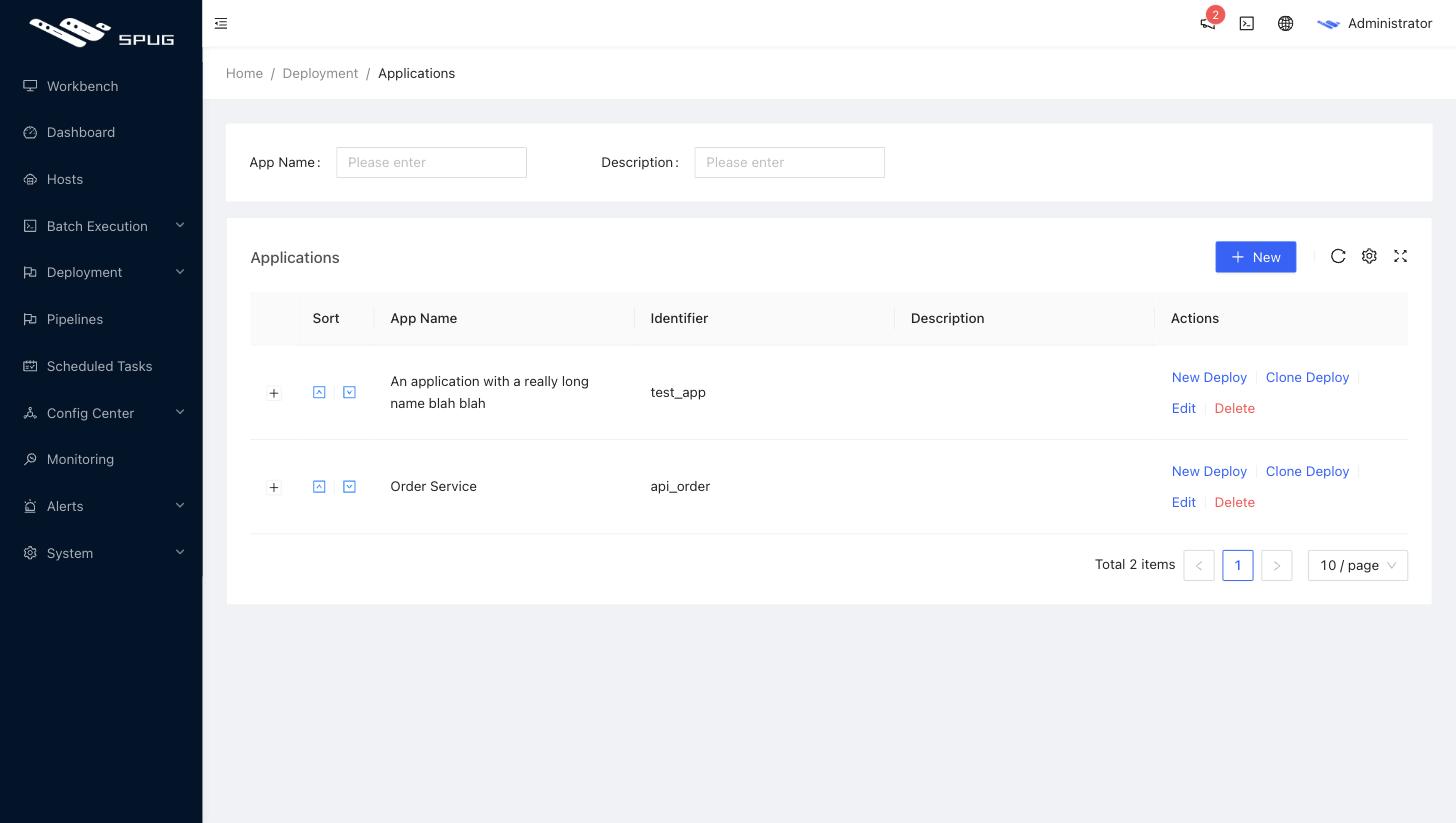
The Deployment / Deploy Configs page manages the applications that can be deployed. Every application can have one deploy configuration per environment (test, production, ...); the configuration defines how the application is built and released in that environment, see Deploy configuration.
Fields
- Application name: any name.
- Identifier: letters, digits and underscores; used as the prefix of configuration center keys and available in deploy scripts as
$SPUG_APP_KEY. - Description: optional.
Operations
- Sort: the arrows in the list change the display order.
- New deploy: create a deploy configuration for the application; choose
Standard deployorCustom deployfirst and then follow the wizard. - Clone deploy: copy an existing deploy configuration of any application and environment (cross-application cloning is supported) and only change what differs.
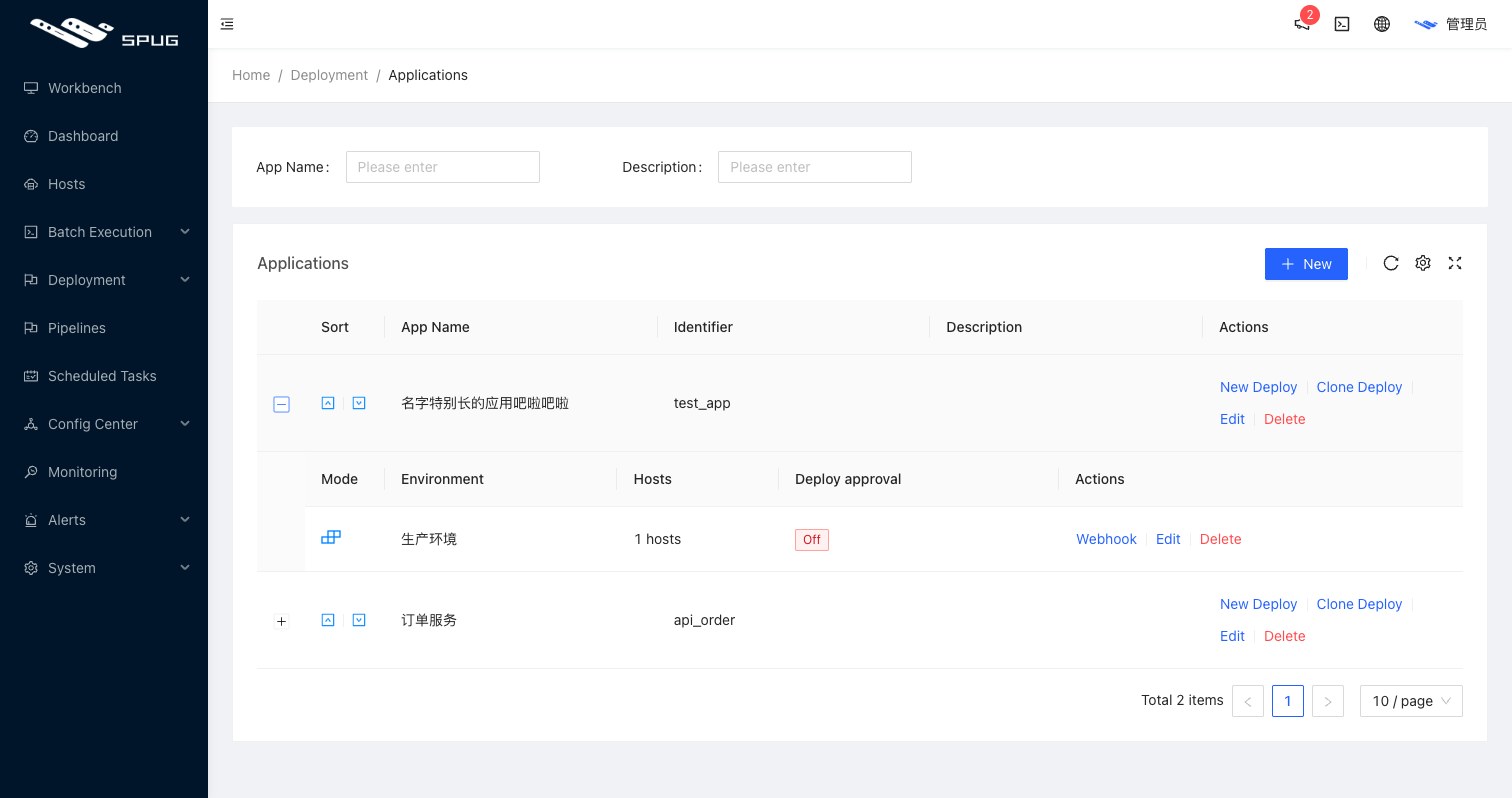
- Expand: click the
+in front of an application to see its deploy configurations. Each configuration shows its mode, environment, number of hosts and review status and offers Webhook auto deploy, edit (or read-only view) and delete; the review switch is changed in the first step of the edit wizard.
Notes
- Applications created here and in the configuration center are the same data.
- Environments are created under Environments in the configuration center.
- The creator of an application automatically gets deploy permission for it; other users need it granted in the deploy permissions of their role.
- Deleting a deploy configuration also removes its Git checkout and build artifacts on the server.