Configuration
Overview
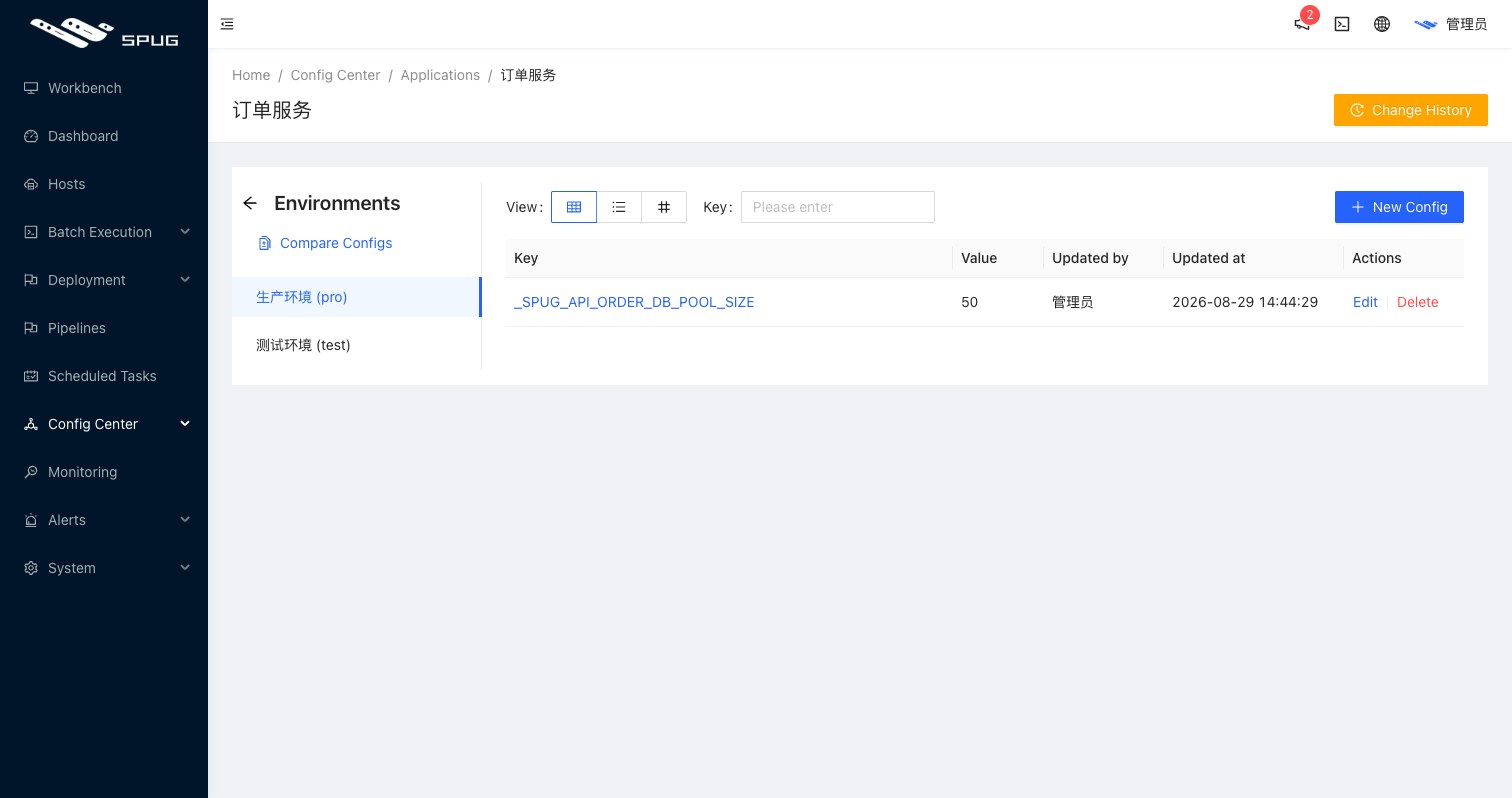
This page maintains the values of a service or application per environment; open it with Config on the service or application list. Environments are listed on the left, the values of the selected environment on the right.
Tip
To use the values outside of Spug, see the API.
Three views
- Table view: create, edit and delete values one by one. Each value has a
Key, aValueand aRemark. When creating a value, Select environments copies it to several environments at once. - Text view: edit all values as
key = valuelines; lines starting with#or;are comments. Ideal for entering many values at once. - JSON view: edit all values as a JSON object.
Compare
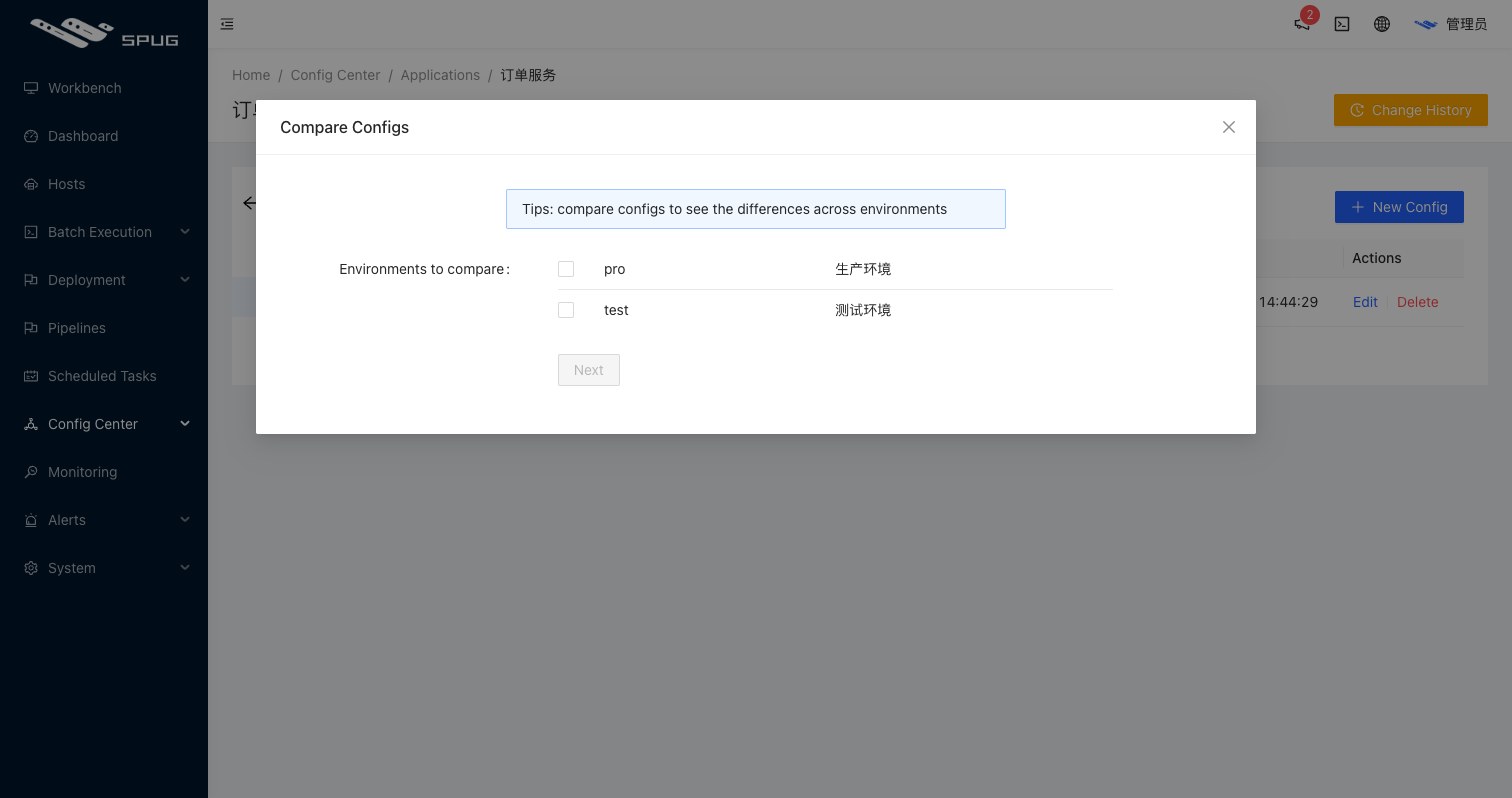
Compare selects several environments and shows the values side by side, which quickly reveals missing or inconsistent settings.
History
The Change History button in the top-right corner lists every addition, change and deletion in the environment with the old and new value, the user and the time. Values updated through SPUG_SET in deploy scripts are recorded as well.
Notes
- Use the
textorJSONview to enter many values at once. - Keys may only contain letters, digits and underscores; when exposed they are prefixed with
<identifier>_to avoid collisions between applications and services. - Viewing and changing values are separate feature permissions (
view configandedit config).