Build Repository
Overview
The build repository manages the build versions of standard deployments and separates building from releasing: one build can be used by several deploy requests, for example to verify it in the test environment first and then release exactly the same artifact to production without rebuilding.
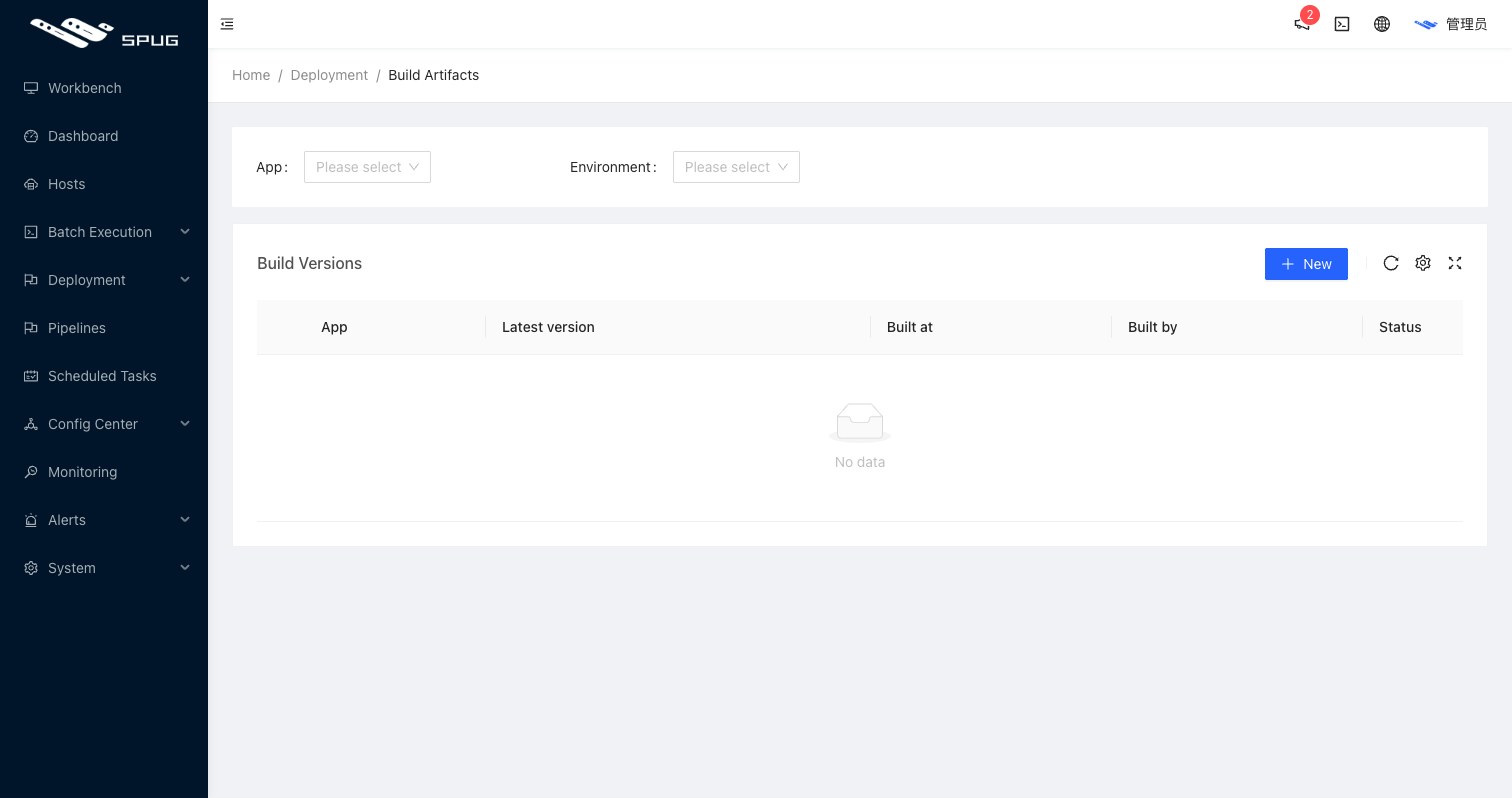
The list groups builds by application and shows the latest version, build time, builder and status; expand an application to see all of its builds.
New build
Click New, choose the application and environment (a standard deploy configuration) and fill in:
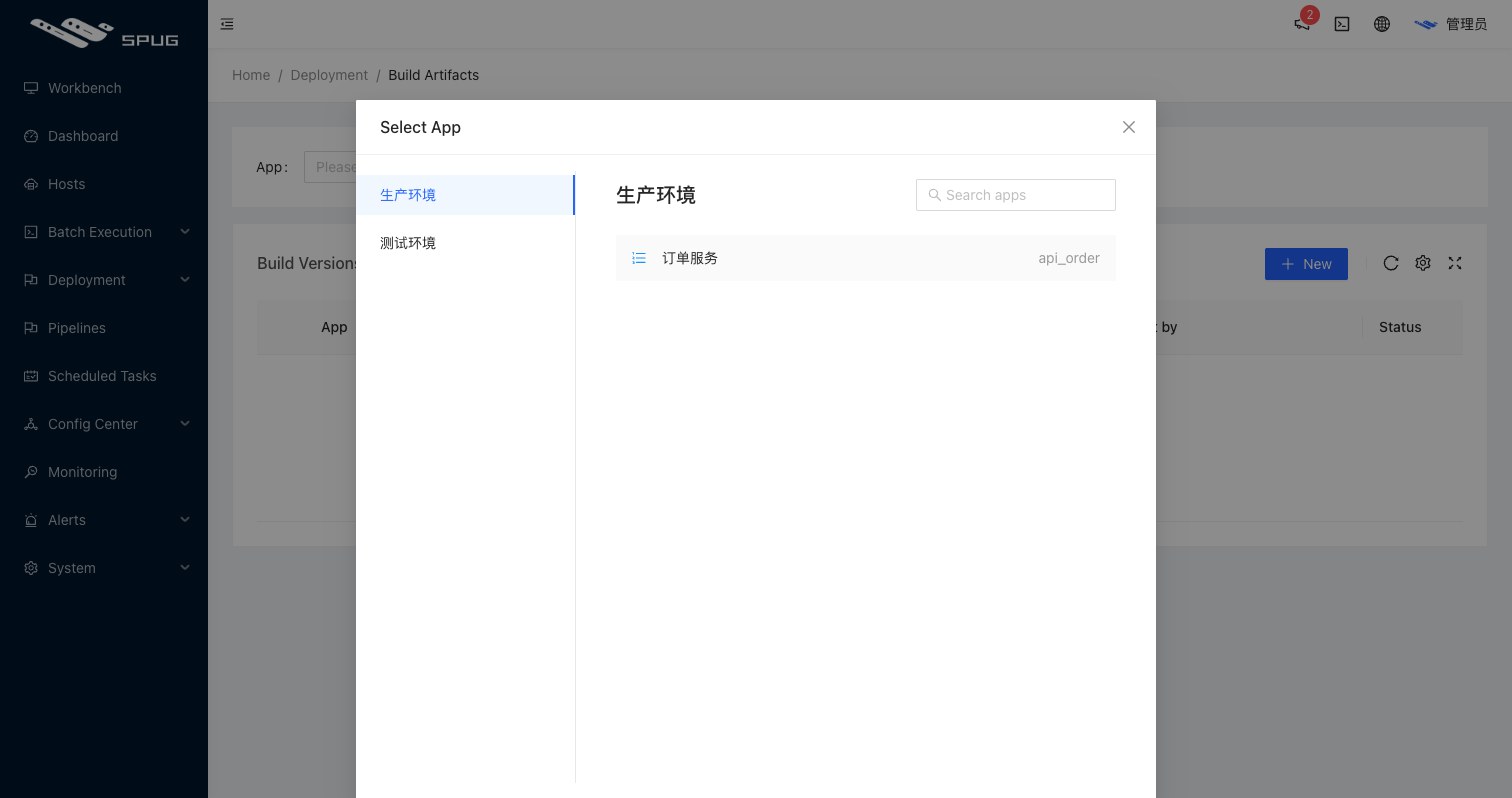
- Version: a version label such as
v1.2.0; keep it unique to tell builds apart (this is not enforced). - Branch / tag: choose
Branchplus aCommit ID, or aTag, to decide which code is built. - Remarks: optional.
The build starts immediately and runs the build stage of the deploy configuration (before / after checkout hooks and packaging). Click Log to follow the output.
Operations
- Build: building a finished version again overwrites its artifact; useful for retrying after a failure.
- Log: the full build output.
- Delete: click the version to open its details and delete the version and its artifact at the bottom; versions referenced by deploy requests cannot be deleted there and are cleaned up when the requests are deleted.
Relation to deploy requests
- Choosing a
Build repositoryversion in a deploy request reuses the artifact and skips the build stage. - Choosing a branch or tag in a deploy request creates the build automatically and builds it as part of the deploy.
- The nightly clean-up keeps the builds referenced by the most recent
Versions + 1deploy requests of each deploy configuration and removes older ones; builds that no deploy request references are not touched by it.
Permissions
The build repository permissions are under Roles / Feature permissions / Deployment / Build Repository (view builds, new version, run build, delete version) and are further limited by the deploy permissions of the role (environments and applications).